Before you start: Verify your domain
How to upload a Media File
Upload a media file manually to Mowplayer
Upload videos from your Social Networks
Upload Audio and Video files manually to Mow
Video Upload
Audio Upload
Media Content Management
Implementation
Full AMP
Wordpress Plugin
Video Player customization
Audio Player
Strategic Solutions for Video
Video Article section
How to create a Video Article
Video Article Styles Customization
Video Article CTA
Playlist
How to create a Playlist
Live Streamings
How to create a New Video or Audio Stream
Ad Management
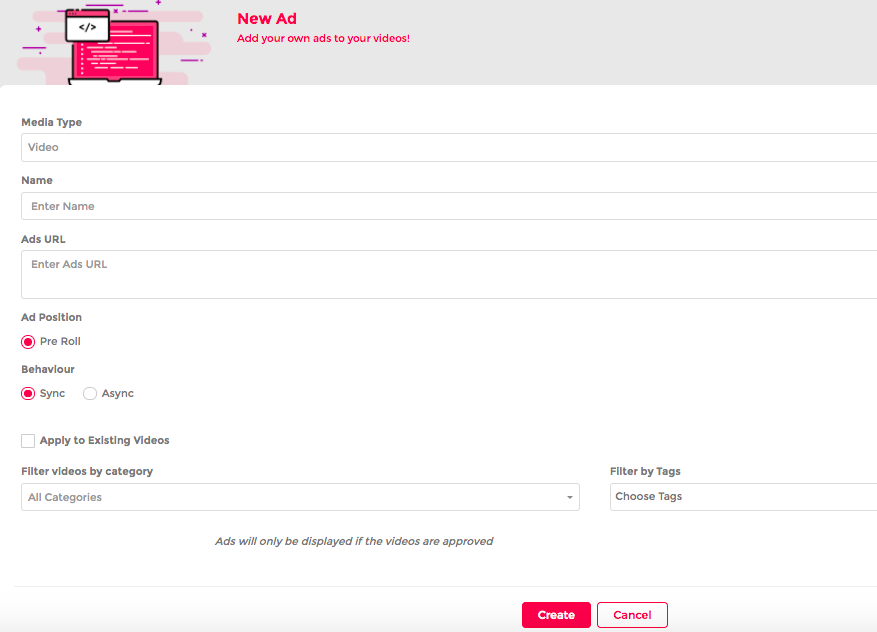
How to upload a Vast Tag
Mowplayer Marketplace
Video Outstream & Display Ads
Reports
Sites
How to add a Site
Mow Marketplace Monetization
Account Profile
How to create an User
Billing
Payment Informations
Audience Extension
Mowplay Profile
Mowplay monetization report